
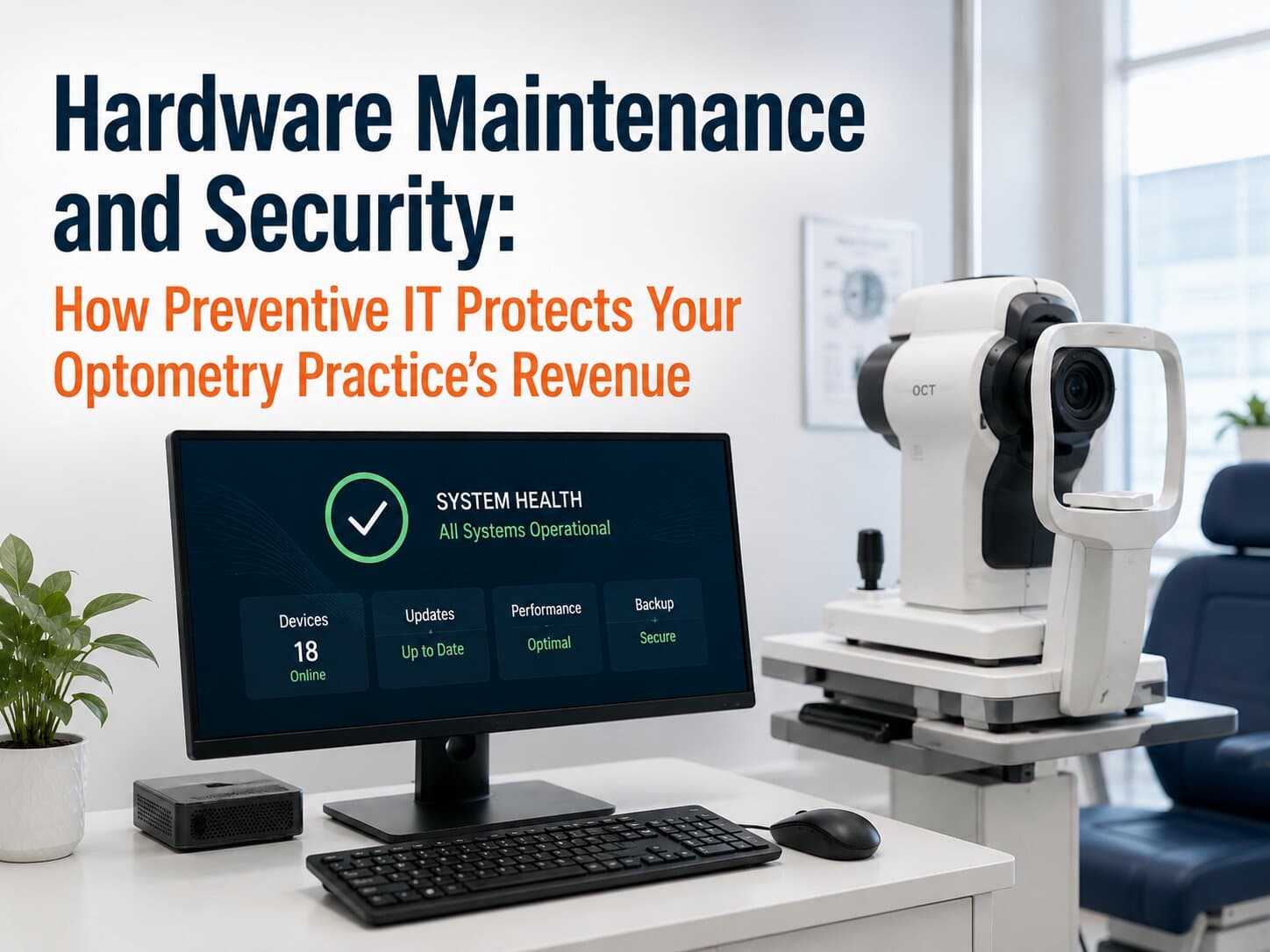
Your lead technician is preparing the first patient of the morning when the OCT imaging system refuses to connect to the exam room computer. The front desk scrambles to reschedule appointments while your staff calls three different vendors, each insisting the problem belongs to someone else. Forty-five minutes later, you've already lost two appointments. Depending on your practice, that could mean $800–1,200 in lost chair time, not including frustrated patients, overtime, and staff productivity.
Unfortunately, this isn't bad luck. It's what happens when hardware maintenance and security become reactive instead of proactive.
1. Five Hardware Problems That Cost Practices Money
1. Aging Workstations Slow Everyone Down
Computers rarely fail overnight. Instead, they become gradually slower, adding just 30-60 seconds to everyday tasks. Across a team of eight employees processing 60 patients per day, those delays can quietly consume 6-8 staff hours every month.
2. Medical Equipment Depends on Reliable Infrastructure
Modern diagnostic devices rely on stable computers, secure networks, and compatible software versions.
EHR (Electronic Health Record): The digital system used to manage patient records, scheduling, and clinical documentation.
When a retinal camera, visual field analyzer, or optical coherence tomography (OCT) scanner can't communicate with your EHR, patient flow slows dramatically—even if the medical equipment itself is functioning perfectly.
3. Security Updates Get Delayed
Every delayed operating system update or unsupported device creates another opportunity for cybercriminals. Healthcare continues to be one of the most targeted industries because patient information has significant value.
Waiting several months to update systems can dramatically increase your exposure while also creating compatibility problems later.
4. Multiple Vendors Mean Multiple Finger-Pointing Conversations
When something breaks, your software company blames the hardware manufacturer. The hardware company blames the network. Your internet provider points elsewhere.
Meanwhile, your staff waits.
5. Small Problems Become Expensive Emergencies
A hard drive showing early warning signs might cost a few hundred dollars to replace during scheduled maintenance. Waiting until it fails completely can result in emergency service, data recovery expenses, and hours of downtime that easily exceed $3,000-5,000.
2. Why These Problems Keep Happening
These issues aren't caused by careless employees. They're usually the result of structural challenges.
First, every technology vendor focuses on its own products—not your overall workflow. No single vendor feels responsible for how everything works together.
Second, most practices don't have someone monitoring hardware health every day. Problems develop gradually until they become impossible to ignore.
Finally, technology replacement decisions are often delayed because equipment still "works." Unfortunately, aging hardware becomes more expensive to maintain long before it completely fails.
3. The Practice Technology Lifecycle Framework
Rather than reacting to problems, successful practices manage technology as a complete lifecycle.
Component 1: Preventive Hardware Monitoring
Computers, servers, networking equipment, and critical devices are monitored continuously for performance, storage capacity, hardware health, and warning indicators.
VLAN (Virtual Local Area Network): A method of separating network traffic to improve security and performance.
Proper network segmentation also helps protect medical devices from unnecessary security risks.
Component 2: Planned Replacement Cycles
Instead of replacing everything during an emergency, equipment is refreshed on predictable schedules based on age, performance, warranty status, and business impact.
That allows you to budget technology investments instead of absorbing surprise expenses.
Component 3: Security and Patch Management
Security updates are tested, scheduled, and deployed regularly without disrupting patient care.
This reduces cyber risk while keeping systems compatible with evolving software requirements.
Component 4: Coordinated Vendor Management
Rather than asking your office manager to coordinate between software providers, equipment manufacturers, internet providers, and hardware vendors, one technology partner manages those conversations on your behalf.
Your staff spends more time serving patients—not sitting on hold.
4. The Financial Case for Preventive Maintenance
Preventive maintenance isn't simply an IT expense—it's a business decision.
Consider a practice with four providers:
Preventing just four hours of downtime annually could preserve $3,200-4,800 in chair revenue.
Eliminating one emergency hardware replacement may avoid $2,000-5,000 in unplanned costs.
Saving each employee only 10 minutes per day adds up to more than 250 staff hours each year, worth approximately $6,000-10,000 depending on wages.
Extending equipment life through proper maintenance can reduce unnecessary capital purchases while improving reliability.
Those savings often exceed the cost of managed IT services before considering the value of improved patient satisfaction.
5. Key Questions to Ask About Your Technology
Ask yourself:
How old are your exam room computers?
Which devices are no longer under warranty?
When was your last documented hardware health assessment?
Who coordinates vendor communication when multiple systems stop working together?
How long would your practice operate if a key server or workstation failed tomorrow?
Are security updates being installed on a consistent schedule?
If several of these questions are difficult to answer, your practice may already be operating with unnecessary risk.
6. Making the Transition
Improving hardware maintenance doesn't require replacing everything at once.
Inventory all technology assets and record their age and warranty status.
Identify devices that directly affect patient flow and revenue.
Schedule proactive maintenance before problems become emergencies.
Develop a predictable replacement roadmap over the next three to five years.
Partner with an IT provider that understands optometry workflows—not just computers.
Small, planned improvements are almost always less expensive than emergency replacements.
Frequently Asked Questions
Do we really need to replace computers that still turn on? Not necessarily. The better question is whether they're slowing down your staff or increasing your risk of failure. Hardware should be evaluated based on performance, reliability, warranty coverage, and business impact—not simply whether it powers on.
Won't preventive maintenance interrupt patient care? Most maintenance can be scheduled after hours or during low-volume periods. Planned maintenance typically creates minutes of inconvenience instead of hours of unexpected downtime.
Can't our equipment vendors handle these issues? Equipment vendors are experts on their own products. They generally aren't responsible for your entire technology environment or for coordinating issues involving multiple vendors.
Is hardware security really that important for a smaller practice? Yes. Smaller healthcare organizations are frequent targets because they often have fewer internal IT resources. Regular updates, monitoring, and secure infrastructure significantly reduce risk.
How often should hardware be reviewed? Most practices benefit from continuous monitoring with formal technology reviews at least annually to identify aging equipment and budget for future replacements.
Keep Your Technology Working as Hard as Your Team
Your technology should help your practice move faster, protect patient information, and keep appointments on schedule—not create another daily headache.
At IT4Eyes, we specialize in managing technology specifically for optometry and eye care practices. We proactively monitor your hardware, coordinate with your vendors, strengthen your security, and build long-term technology plans that reduce downtime and support practice growth. Instead of reacting to expensive emergencies, you can focus on delivering exceptional patient care while knowing your technology is working reliably behind the scenes.