
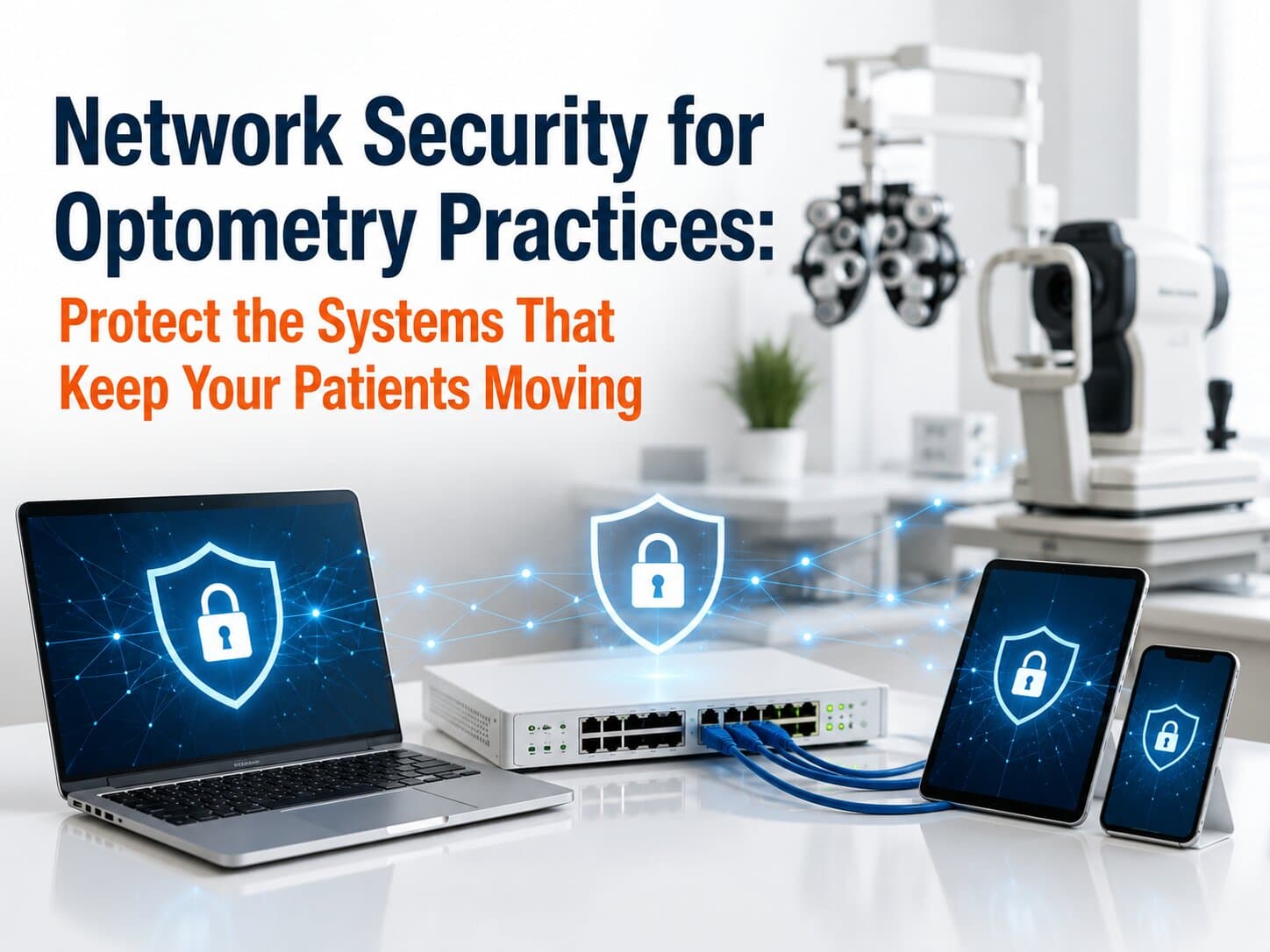
Your office manager checks in the first patient of the day while your technician prepares an OCT scan. Suddenly, the imaging device can't send results to the patient record, exam room computers lose access to shared files, and the front desk can't verify insurance. Everyone starts calling different vendors, but no one can identify the problem. After two hours of downtime, you've rescheduled patients, delayed providers, and potentially lost $1,600–2,400 in chair revenue—all because of a network issue that could have been prevented.
For many optometry practices, network security isn't just about stopping hackers.
It's about keeping your practice running.
A secure, well-managed network protects patient information, keeps diagnostic equipment communicating properly, and minimizes the costly interruptions that affect both revenue and patient satisfaction.
1. Five Network Security Problems That Disrupt Patient Care
1. Medical Devices Share the Same Network as Everything Else
Many practices connect imaging equipment, front desk computers, guest Wi-Fi, printers, and business systems to one flat network.
Without proper segmentation, a problem affecting one device can quickly spread across your entire practice. One common approach to resolve this is using VLANs.
VLAN (Virtual Local Area Network): A method of separating different types of network traffic to improve both security and performance.
2. Older Equipment Creates Hidden Security Risks
Diagnostic equipment often remains in service for many years. While the equipment itself may still perform well clinically, the computers supporting it may no longer receive important security updates.
Those unsupported systems become attractive targets for cybercriminals.
3. Weak Access Controls Increase Exposure
Shared passwords, inactive employee accounts, or missing MFA make unauthorized access significantly easier than it should be.
MFA (Multi-Factor Authentication): A security process requiring users to verify their identity using more than one method before accessing systems.
4. Imaging Systems Depend on Stable Network Communication
If DICOM traffic is interrupted by network problems, technicians may need to repeat scans or manually transfer images, slowing patient flow and increasing frustration.
DICOM (Digital Imaging and Communications in Medicine): The standard used to store and transmit medical images between imaging devices and clinical software.
5. Security Monitoring Is Often Reactive
Many practices discover network problems only after staff members begin reporting slow computers or disconnected equipment.
By then, productivity has already been affected.
2. Why Network Problems Keep Happening
Network security challenges rarely result from one major mistake.
Instead, they develop over time.
Every vendor installs equipment according to its own requirements. Your EHR provider focuses on clinical software. Your imaging vendor focuses on diagnostic equipment. Your internet provider focuses on connectivity.
Very few vendors are responsible for ensuring everything works securely together.
As technology expands, networks become increasingly complex without anyone managing the complete picture.
The result is higher risk, slower troubleshooting, and more downtime whenever something goes wrong.
3. The Layered Practice Network Framework
Strong network security isn't built around a single product. It's created through multiple layers working together.
Component 1: Secure Network Segmentation
Critical medical equipment, business systems, guest Wi-Fi, and internet-connected devices should operate on appropriately separated network segments. If one area experiences a problem, the others can continue functioning normally.
Component 2: Continuous Network Monitoring
Rather than waiting for staff to report issues, proactive monitoring identifies unusual activity, failing hardware, bandwidth problems, and security threats before they interrupt patient care.
Early detection often reduces outages from hours to minutes.
Component 3: Controlled Access Management
Every employee should receive only the system access required for their role.
Former employee accounts should be disabled immediately, passwords should follow strong policies, and MFA should protect sensitive systems whenever possible.
Component 4: Coordinated Vendor Management
When networking, imaging equipment, cloud applications, and internet service all interact, someone must coordinate troubleshooting across every vendor.
Instead of asking your office manager to manage multiple support calls, one experienced technology partner oversees the entire environment and keeps vendors accountable.
4. The Financial Case for Better Network Security
Network security is often viewed as insurance.
In reality, it's operational protection.
Consider these examples:
Preventing just three hours of network downtime annually may preserve $2,400–3,600 in provider revenue.
Reducing repetitive troubleshooting can save office managers 4–8 hours each month, allowing more time for patient scheduling and practice operations.
Preventing one significant cybersecurity incident can avoid tens of thousands of dollars in recovery costs, lost productivity, and business disruption.
Proactive monitoring often identifies failing hardware before emergency replacements become necessary, reducing both repair costs and unexpected downtime.
Reliable networks don't simply reduce risk—they improve the patient experience by keeping appointments on schedule.
5. Key Questions to Ask About Your Network
Ask yourself:
Is guest Wi-Fi separated from clinical systems?
When was your network last professionally reviewed?
Is multi-factor authentication enabled for remote access and critical applications?
Could you quickly identify every device connected to your network?
Who coordinates support when multiple vendors become involved?
If you aren't confident answering these questions, your network may be more vulnerable than you realize.
6. Making the Transition
Improving network security doesn't require replacing your entire infrastructure.
Instead, follow a phased approach:
Perform a comprehensive network assessment.
Identify critical systems that directly affect patient care.
Separate clinical equipment, guest access, and business systems where appropriate.
Enable stronger authentication and remove unnecessary user accounts.
Implement continuous monitoring for performance and security.
Schedule regular reviews to ensure your network evolves with your practice.
Small improvements made consistently produce far greater long-term stability than emergency fixes.
Frequently Asked Questions
Will stronger network security slow down our staff? No. Well-designed security should operate quietly in the background. In many cases, improving the network actually makes systems faster and more reliable.
Our practice is small. Are we really at risk? Yes. Smaller healthcare organizations are frequently targeted because attackers often expect fewer security resources. Every practice that stores patient information benefits from strong network protection.
Do we need to replace all of our networking equipment? Not necessarily. Many practices can significantly improve security through better configuration, monitoring, and planned upgrades rather than complete replacement.
Can our equipment vendors manage network security? Each vendor typically supports its own products. They rarely oversee your complete network environment or coordinate issues involving multiple systems.
How often should our network be reviewed? Continuous monitoring is ideal, with formal reviews performed at least annually—or whenever significant equipment or software changes occur.
Protect the Network That Supports Your Entire Practice
Your network connects every part of your practice—from imaging devices and EHR software to scheduling, billing, and patient communication. When it performs reliably, your team stays productive and your patients receive a smoother experience.
At IT4Eyes, we specialize in managing secure, reliable technology environments built specifically for optometry and eye care practices. We proactively monitor your network, coordinate with your vendors, strengthen your security posture, and help prevent the downtime that disrupts patient care and revenue. Instead of reacting to technology problems, you can focus on growing your practice while we keep your network running securely behind the scenes.