
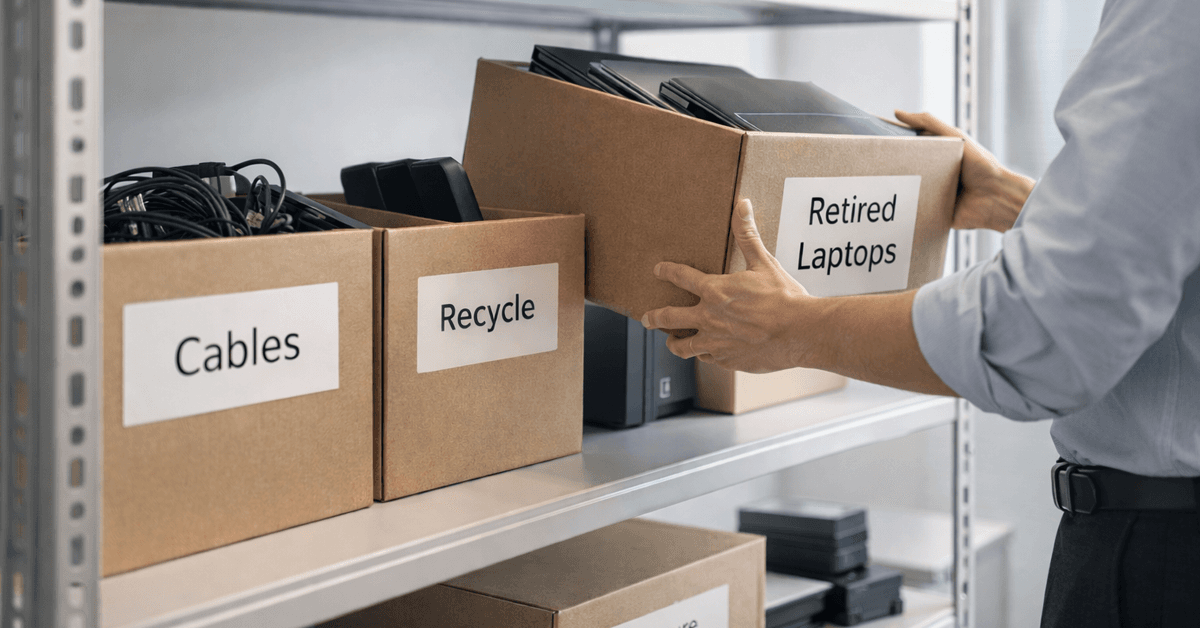
Spring cleansing often targets closets first, yet in most companies, the true clutter hides beyond coat racks.
It may appear on a server rack, but it could also be stashed in a storage closet, a back office, or piled up under a sign that reads "We'll handle this later."
Outdated laptops. Decommissioned printers. Backup drives from several tech refreshes ago. Boxes of cables kept "just in case."
Every business accumulates these forgotten assets.
The real question is not if they exist, but whether you have a strategic plan for their next phase.
The Lifecycle of Technology Extends Beyond Purchase Dates
Purchasing new tech generally has obvious benefits: faster speeds, enhanced security, greater capabilities, and support for business growth.
While many companies carefully plan technology acquisition, few dedicate equal effort to its retirement.
Technology retirement often occurs quietly—devices are replaced and shelved until someone eventually opts to clear out the space.
This is standard practice.
What's uncommon is treating the phase-out of equipment with the same thoughtful approach as the initial purchase.
Older tech still holds usable value, recyclable parts, and potentially sensitive data. It can also slow operations if left unmanaged, consuming space and attention.
Spring offers the perfect opportunity to evaluate: what assets still serve your business, and which are merely occupying space?
An Effective 4-Step Plan to Clear Out Your Tech Clutter
Want to move beyond vague plans? Try this straightforward four-step method.
Step 1: Take Inventory
Identify what you're retiring—laptops, phones, printers, network devices, external drives? You can't manage what you haven't listed, and a physical survey often uncovers more than expected.
Step 2: Choose the Endpoint
Each device typically falls into recycle (via certified e-waste programs), reuse (internally or by donation), or destruction (for sensitive data). Make these decisions deliberately to avoid letting equipment languish indefinitely.
Step 3: Properly Prepare Devices
This phase requires careful attention.
If reusing or donating, remove devices from management systems, revoke all user access, and perform certified data wiping—not just factory resets. Simple deletion or quick formatting doesn't actually erase data; it only removes references to it.
Research by data security experts at Blancco found that 42% of used drives re-sold on eBay still housed sensitive information—despite sellers' claims of wiping. Certified data erasure tools overwrite every sector and provide verification reports for security.
If recycling is the destination, use certified e-waste providers—avoid dumpsters or curbside drop-off. Remember, programs like Best Buy's popular recycling service are intended only for residential waste, not businesses.
Businesses need certified IT asset disposition (ITAD) vendors or business-focused recyclers. Seek providers with e-Stewards or R2 certification (directories available at e-stewards.org and sustainableelectronics.org). Your IT management team can typically coordinate this process.
If devices must be destroyed, opt for certified data erasure or physical destruction techniques like shredding or degaussing—and keep detailed records including serial numbers, destruction methods, dates, and handlers.
This approach isn't excessive caution—it's responsible closure.
Step 4: Document and Finalize
When equipment leaves your premises, confirm its destination, handling method, and data access removal. Proper documentation eliminates doubt.
Often Overlooked Devices
Laptops often receive attention, but many other devices are neglected.
Phones and tablets may still contain emails, contacts, or authentication apps. Factory resets help, but certified mobile wipe tools ensure thorough data removal. Major brands like Apple and Samsung offer trade-in credits even for older devices, helping offset new purchases.
Modern printers and copiers often house built-in hard drives storing copies of every print, scan, copy, or fax job. Before returning leased machines, get written confirmation that these drives will be wiped or removed before redeployment.
Batteries are classified by the EPA as hazardous waste. Many states (California, New York, Minnesota) prohibit disposal in regular trash for businesses. Remove batteries when possible, tape terminals to avoid shorts, and deliver them to certified recycling drop-offs. Use Call2Recycle.org's locator or visit Staples, Home Depot, or Lowe's stores, which commonly accept rechargeable batteries.
External drives and old servers often linger in closets longer than anticipated. While not always problematic, they require the same retirement diligence as other tech.
Why Proper Recycling Matters
Every April, Earth Day raises awareness—and rightly so.
Electronic waste shouldn't end up in landfills. Globally, over 62 million metric tons of e-waste are produced annually, yet only 22% is correctly recycled. Batteries, monitors, and circuit boards belong in certified recycling streams, available in most communities.
Handled appropriately, retiring technology is efficient, environmentally responsible, and strategically smart. You don't have to choose between security and sustainability—you can achieve both.
It also reflects positively on your brand. Customers appreciate when companies quietly manage tech disposal responsibly.
Unlocking Greater Potential
Spring cleaning isn't just about removal—it's about opening space.
Clearing outdated hardware is one part. Take this moment to evaluate: Does your technology truly support your business strategy?
Hardware cycles out, but productivity thrives on optimized software, integrated systems, automation, and efficient workflows.
Properly retiring old equipment maintains order. Aligning your technology with business goals accelerates growth.
How We Support You
If you already have a clear process for retiring hardware, that's fantastic. It should feel effortless and routine.
As you replace outdated equipment thoughtfully, consider reviewing the broader perspective: Are your systems integrated? Do your tools complement each other? Is your tech helping your business expand or just keep the status quo?
If you're interested in exploring how your technology stack, systems, and processes impact productivity and profitability, we're ready to discuss.
No pressure, no checklists—just honest conversation about making technology work smarter for your business.
Click here or give us a call at 435-313-8132 to schedule your free 10-Minute Conversation.
Feel free to share this resource with fellow business owners if it sparks ideas.
Spring cleaning should reach beyond closets—it should refresh the core systems powering your business.