
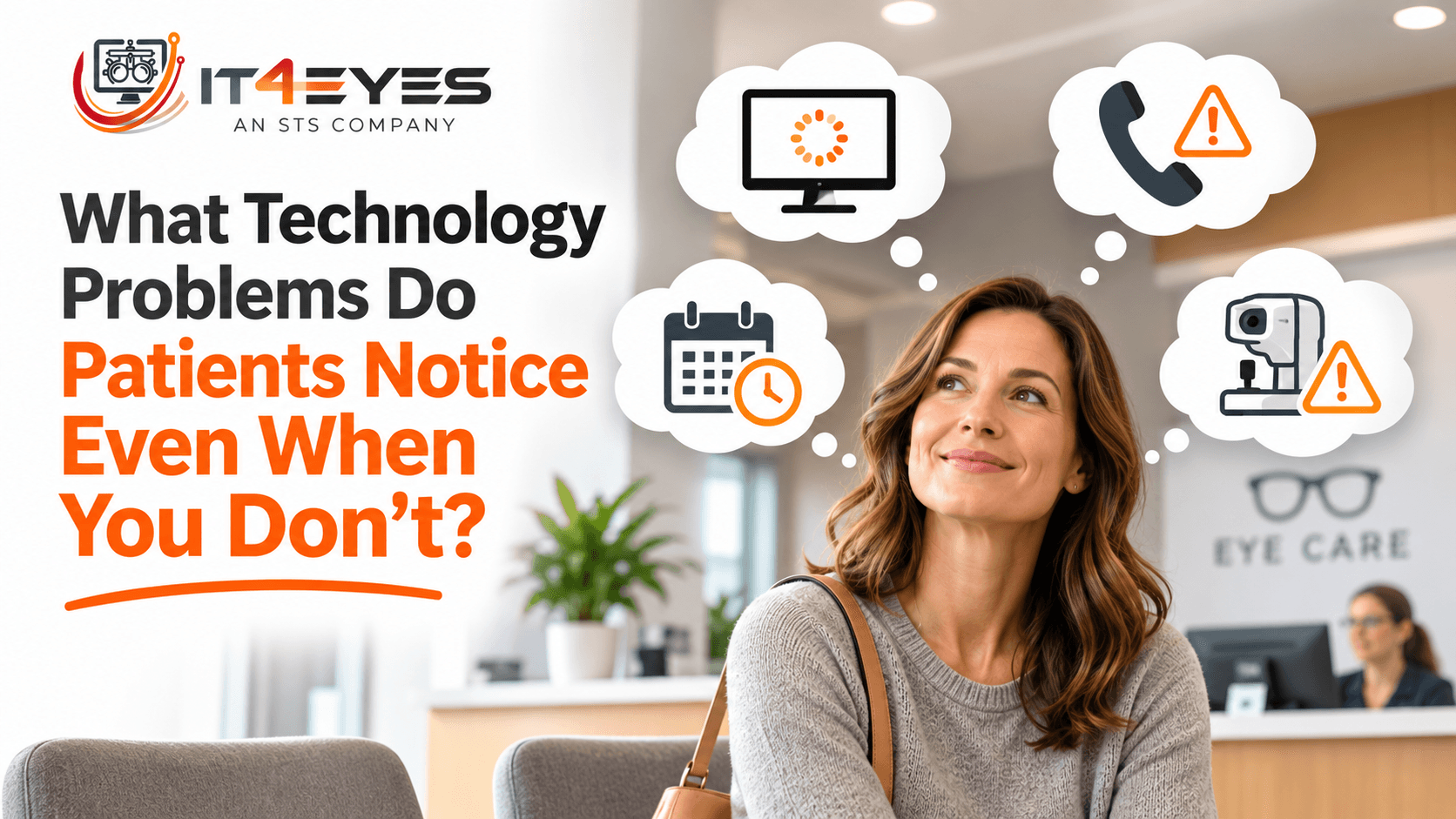
When you work in an eye care practice every day, you get used to how things operate.
You know which computer takes longer to start, which printer occasionally needs a second attempt, and which imaging system takes an extra minute to load. Your employees learn to work around these frustrations, often without thinking much about them.
But patients experience your practice differently.
They don't know that the check-in computer has been slow for months. They notice standing at the counter while an employee waits for the screen to respond. They don't know that two systems aren't sharing information properly. They notice being asked the same questions again.
Technology shapes the patient experience in ways practices may not recognize, particularly when small problems have become part of the daily routine.
Your Patients Don't See Your IT. They Feel It.
Most patients never think about your network, servers, or software. And they shouldn't have to.
What they notice is whether they can schedule an appointment, check in easily, move through testing without unnecessary delays, and have a conversation with their doctor without constant interruptions.
When technology struggles, patients feel the effects. When it works reliably, the visit often feels more organized and less stressful.
The impact extends to your employees, too. A receptionist trying to welcome patients, a technician preparing for testing, and an optician processing an order all depend on systems that should support their work rather than slow it down.
Behind every technology problem is usually a person trying to do a job and sometimes a patient waiting for care.
The First Impression Starts at Check-In
Picture a patient arriving for an appointment. They confirm their information, provide insurance details, and wait for the receptionist to finish checking them in.
Now imagine the scheduling application freezes. The employee restarts it while answering the phone and greeting the next patient. Perhaps the scanner also refuses to upload a document.
Your receptionist knows these are technology issues. The patient may simply feel that the office is disorganized.
That distinction matters. Patients judge the visit as a whole, not each individual system responsible for their experience.
It also puts employees in a difficult position. They're doing their best to be helpful while managing equipment that won't cooperate. A problem that seems small from a technical perspective can make a busy front desk much more stressful.
A useful question is whether check-in delays happen occasionally or have become so familiar that nobody reports them anymore.
Why Do Patients Keep Having to Repeat Information?
A patient completes paperwork online before arriving. At check-in, they're asked to fill out another form because the original information didn't transfer. During testing, they're asked to repeat details they already provided.
Sometimes confirming information is necessary for safe, accurate care. But repeated questions caused by disconnected systems are different.
Eye care practices often use separate applications for scheduling, intake forms, EHR records, imaging, billing, and patient communication. If those systems don't exchange information as expected, employees may have to reenter details manually.
Patients don't need to understand software integrations to notice a repetitive process. Staff notice it too, especially when the same information must be entered multiple times.
Reviewing where information moves between systems can reveal opportunities to remove unnecessary work without skipping important clinical verification.
Small Delays Can Change the Entire Appointment
Not every delay is a technology problem. A doctor may need extra time with a patient, or testing may reveal a concern that requires attention. That's part of providing care.
But preventable technology delays can quietly compound.
An OCT workstation takes several minutes to find the next patient's images. A technician waits, the doctor waits for results, and the next appointment starts late. Meanwhile, the front desk is answering questions about the schedule.
Or perhaps the EHR becomes sluggish during busy hours. Each pause lasts only a few seconds, but it happens repeatedly across several exam rooms.
Staff may adapt by rushing between steps or rearranging tasks. Patients just notice that their appointment is taking longer than expected.
Practices should pay particular attention to recurring problems during their busiest periods. The goal isn't to eliminate every wait; it's to remove avoidable delays that make an already demanding schedule harder to manage.
When Technology Interrupts the Doctor-Patient Conversation
An eye examination is more than a series of tests. Patients want to understand their vision, discuss concerns, and feel heard.
Imagine a doctor preparing to explain retinal images, only for the imaging application to stop responding. They wait, try again, and eventually ask a technician to help.
The issue may be resolved quickly. Still, the conversation has been interrupted, and the doctor's attention has shifted from the patient to the screen.
Similar interruptions happen when a diagnostic device loses connectivity or patient information isn't available where it's needed.
These problems don't necessarily reflect the quality of clinical care. Yet repeated interruptions can influence how focused and confident the visit feels to a patient.
Reliable systems help doctors and technicians concentrate on explaining findings and answering questions rather than troubleshooting in the middle of an appointment.
Patients Notice Problems Before and After the Exam
The patient experience begins before someone walks through your door.
A confusing phone menu, dropped calls, an online form that won't save, or an appointment reminder with a broken link can frustrate patients before they arrive. These issues also generate extra work for staff who must answer repeat calls or correct missing information.
The same is true at checkout. Employees may need to process payments, schedule follow-up visits, verify insurance details, or coordinate optical purchases. If payment terminals lose connectivity or ordering software freezes, the final minutes of an otherwise positive appointment become difficult.
Opticians depend on technology for orders, measurements, inventory, and communication. When systems are unreliable, they spend time fixing a process instead of helping patients choose eyewear or understand their options.
Looking only at exam-room technology misses several important points of contact. Your phones, forms, billing systems, and optical software all contribute to the experience patients remember.
What Happens When Technology Works the Way It Should?
We often talk about IT only when something breaks. But consider the difference reliable technology makes on an ordinary day.
The receptionist can greet patients without repeatedly restarting software. The technician can retrieve images when needed. The doctor can review results while maintaining the conversation. The optician can complete an order without unexpected system delays.
Practice managers can focus on supporting the team rather than coordinating recurring technical workarounds.
Good technology doesn't guarantee that every appointment will run on time. Healthcare is too complex for that. It does remove unnecessary obstacles and give employees more room to focus on the people in front of them.
The benefit is often invisible precisely because everything is working as expected.
Ask Your Team What They've Learned to Work Around
One of the simplest ways to identify problems is to ask the people who use your systems every day.
Which tasks regularly take longer than they should? Which devices interrupt appointments? Where does information have to be entered twice? Which technology issues have employees stopped reporting because they've learned to live with them?
Ask the front desk, technicians, doctors, and optical staff separately. They may notice different problems along the same patient journey.
Patient comments can provide clues, too. Complaints about waiting, repeated paperwork, or difficulty reaching the office may point toward a process or technology issue worth investigating.
Once you identify a pattern, look for the underlying cause rather than treating the workaround as a permanent solution. Sometimes the answer is training or a configuration change. Other times it involves equipment, integration, or vendor coordination.
Your Patients Don't See Your IT. They Feel It.
Patients may never know how your network is configured or how many systems work together behind the scenes. What they experience is whether information is available, communication is easy, and employees can give them their attention.
Good technology doesn't replace good patient care. It supports the people providing it.
Behind every workstation, diagnostic device, EHR, and phone system is someone trying to do their job. And behind many technology problems is a patient waiting to be cared for.
Sometimes improving the patient experience begins with noticing the frustrations your team has learned to work around.