
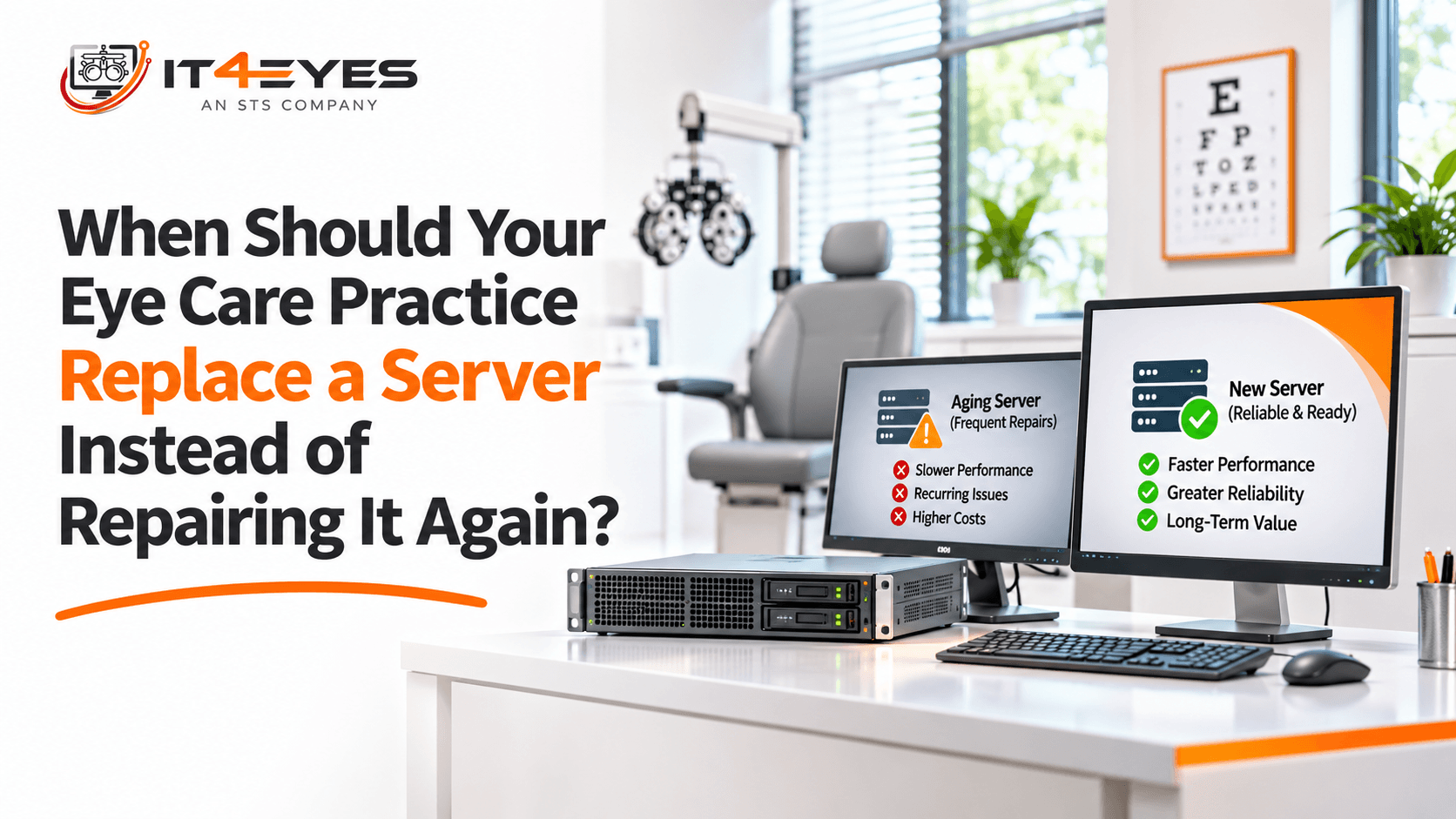
A server goes down, your IT team gets it running again, and everyone moves on. A few months later, another issue appears. That gets repaired too.
Eventually, the question changes from "Can this be fixed?" to "Should we keep fixing it?"
Servers can be expensive to replace, so it makes sense for a practice to get as much useful life from them as possible. At the same time, repeatedly repairing aging hardware can create more risk, downtime, and expense than planning a replacement.
The decision should not be based on age alone. A better approach is to look at the condition of the server, whether it is still supported, how important it is to daily operations, and what would happen if it failed unexpectedly.
Start With What the Server Actually Does
Not every server plays the same role.
One practice may use a server primarily for file storage and shared applications. Another may depend on it for imaging, a database, authentication, print services, or other critical systems.
Before deciding whether to repair or replace a server, the practice should understand what depends on it.
If the server goes offline, can employees still access the EHR? Can providers view images? Can staff print or scan? Can users log in? How many people are affected?
The more critical the server is to daily operations, the more carefully the practice should think about its reliability. An occasional problem on a noncritical system is very different from repeated failures on a server that can interrupt the entire office.
Age Matters, but It Is Not the Only Factor
Businesses often want a simple rule: "How old is too old?"
There is no single answer that applies to every server.
Age matters because older hardware is more likely to be approaching warranty expiration, support limitations, security risk, or component wear. But two servers of the same age can be in very different condition.
One may still be stable, properly sized, under support, and performing well. Another may have recurring hardware issues, limited storage, outdated components, and no warranty.
That is why replacement planning should consider the whole picture rather than relying only on the calendar.
Repeated Failures Are a Warning Sign
One repair does not automatically mean a server needs to be replaced. Hardware can fail at any age, and sometimes a single repair is all that is needed.
The concern grows when failures become a pattern.
If the practice repeatedly deals with storage problems, hardware errors, unexpected shutdowns, performance issues, or other recurring incidents, the cost is no longer just the repair bill. There is also the cost of downtime.
Staff may be unable to work. Providers may lose access to important information. Appointments can be delayed. The IT team may spend more and more time keeping the same system running.
At that point, the practice should compare the cost and risk of continuing to repair the server with the cost of replacing it.
Warranty and Vendor Support Matter
A server that is still under warranty gives the practice more options. Replacement parts may be easier to obtain, and support may still be available from the manufacturer.
Once a server is out of warranty, repairs can become more difficult. Parts may take longer to find, some components may no longer be readily available, and the manufacturer may no longer support the platform.
That does not mean a server should automatically be replaced the day the warranty ends. It does mean the risk has changed.
If critical hardware fails and replacement parts take several days to obtain, what might have been a manageable repair can turn into extended downtime.
Unsupported Software Creates Another Kind of Risk
The physical server may still work while the operating system or applications running on it become outdated.
That creates a different problem.
Older operating systems may stop receiving security updates. Application vendors may stop supporting older versions. Newer software may no longer be compatible. Over time, the practice may end up maintaining an old environment simply because the hardware cannot support anything newer.
That can affect reliability, security, and vendor support.
When both the hardware and software are approaching end of support, replacement often makes more sense than continuing to extend the life of the old system.
Performance Problems Can Affect the Entire Practice
Servers do not always fail dramatically. Sometimes they simply become slower.
Applications take longer to open. Files load more slowly. Backups take longer to complete. Users experience delays during normal workflows.
One slow workstation affects one person. A slow server can affect everyone who depends on it.
Before assuming the server needs to be replaced, the IT team should determine whether the problem is actually hardware-related. Network issues, software problems, storage configuration, or another cause may be responsible.
But if the server simply no longer has the capacity to support the practice comfortably, upgrading or replacing it may be the better long-term decision.
Think About How the Practice Has Changed
A server may have been the perfect fit when it was installed, but the practice may look very different several years later.
There may be more employees, more data, more applications, additional providers, another location, or more imaging systems than there were when the server was purchased.
Technology should be evaluated in the context of the business it supports today.
If the practice has outgrown the server, repeatedly upgrading individual components may only delay a larger change.
What Happens if the Server Fails Tomorrow?
This may be the most useful question to ask.
If the server failed completely tomorrow morning, what would happen?
Do you have a current backup? Could the server be rebuilt or restored? How long would that process take? Would replacement hardware be required? Could employees continue working while recovery was happening?
Knowing those answers helps put the replacement decision into perspective.
If the practice can tolerate a short outage and recover quickly, continuing to use an older server may carry less risk. If a failure could shut down important operations for a day or more, replacement planning becomes much more important.
Replacement Should Be Planned, Not Rushed
The best server replacement projects usually happen before the old server fails.
That gives the practice time to choose the right hardware or platform, review applications, coordinate vendors, test backups, schedule the migration, and communicate with staff. It also makes it easier to complete the work during a lower-impact period.
An emergency replacement is very different. The priority becomes restoring operations as quickly as possible, which limits choices. The practice may have to buy whatever hardware is available or make decisions under pressure.
Planning early gives the practice more control.
Replacement Does Not Always Mean Buying Another Physical Server
Technology has changed, and replacing an aging server does not always mean installing another physical server in the office.
Depending on the practice and the applications involved, some workloads may be appropriate for cloud services or vendor-hosted platforms. Others may still require local infrastructure.
The right answer depends on performance, security, connectivity, applications, cost, and business requirements.
That is why server replacement should be part of a larger technology-planning conversation rather than simply a hardware purchase.
Consider the Cost of Keeping the Old Server
When evaluating an aging server, do not look only at the cost of a replacement.
Also consider the cost of keeping the old one.
How much time has already been spent troubleshooting it? How much downtime has it caused? Are employees losing productivity? Are replacement parts becoming harder to find? Is the software still supported? Could the practice recover quickly if the server failed?
Sometimes keeping an old server feels less expensive because the replacement cost is visible and the ongoing cost of instability is not.
Both should be part of the decision.
Do Not Wait for the Final Failure
A server does not need to be broken beyond repair before replacement makes sense.
The better question is whether keeping it still provides an acceptable level of reliability, support, security, and performance for the practice.
If the server is stable, supported, appropriately sized, and recoverable, there may be no reason to replace it simply because it has reached a certain age.
If it is repeatedly failing, unsupported, difficult to repair, or creating unnecessary risk, continuing to fix it may no longer be the best investment.
With good lifecycle planning, the practice should have some idea that replacement is coming and be able to budget for it before an emergency makes the decision for you.