
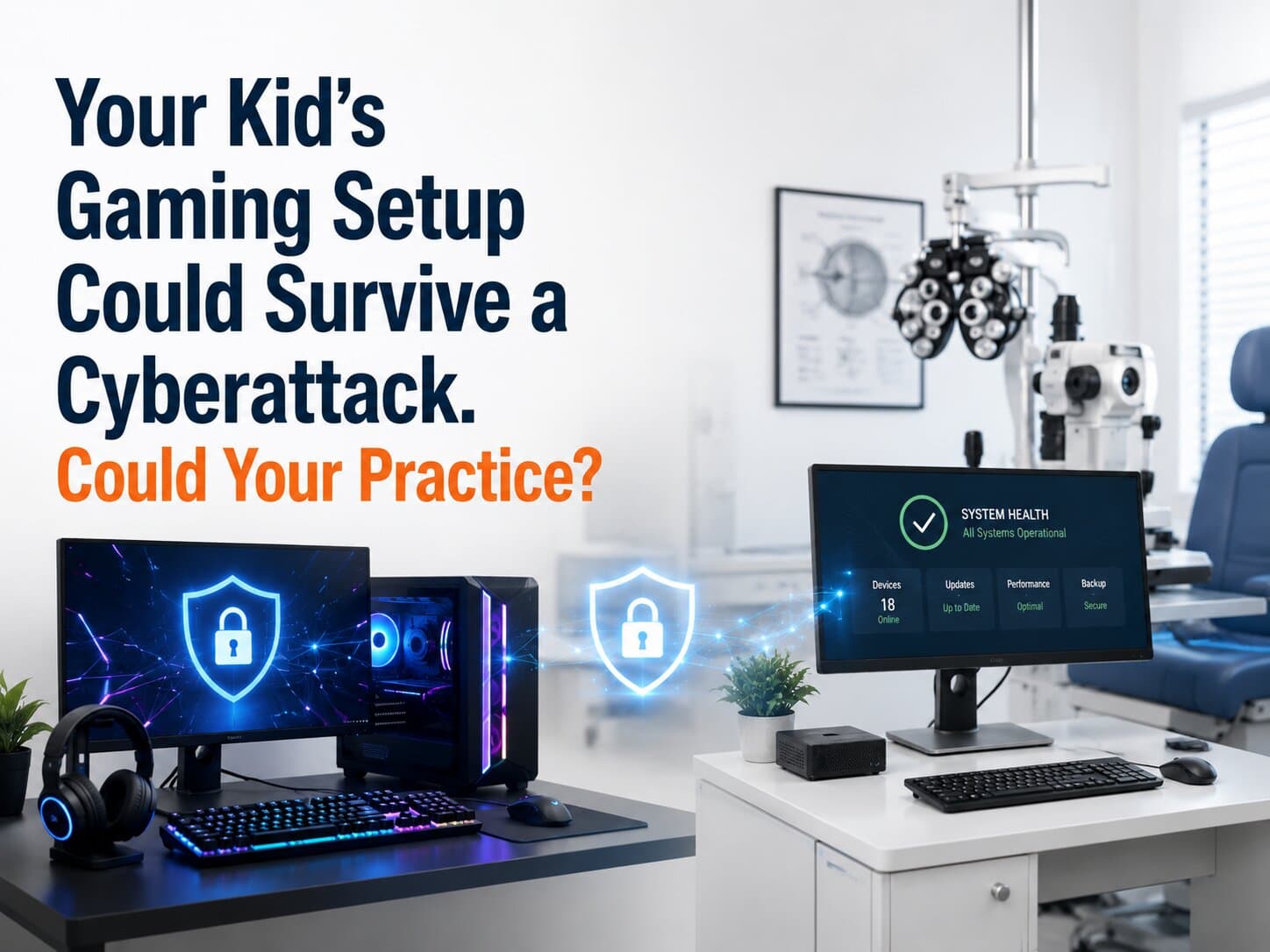
A teenager's gaming setup can be surprisingly resilient. The console has its own security controls, the gaming PC installs updates automatically, the router manages multiple connected devices, and accounts often require additional verification. If one component fails, the rest of the setup may keep functioning. An optometry practice, by contrast, can have dozens of connected devices—from exam-room workstations to OCT systems and practice management software—without the same level of coordinated planning. The question is not whether a practice has security tools; it is whether all of those tools and systems can keep the practice operating when one of them fails.
That comparison highlights an uncomfortable question: How resilient is the technology keeping an eye care practice running?
1. The Problem Isn't Just Cyberattacks
When practice owners hear "network security," it is easy to picture a hacker trying to break into the system. In reality, the bigger business problem is often what happens when something goes wrong.
A compromised account, failed server, malware infection, bad software update or network outage can interrupt access to scheduling, electronic health records, imaging systems and payment processing.
Network security is the combination of technologies and policies used to protect the systems and connections that allow devices and applications to communicate.
The objective is not to make an attack impossible. It is to prevent one problem from taking down the entire practice.
2. Five Things That Can Break at Once
One compromised account A stolen password can provide an attacker with a starting point. If that account has access to email, cloud applications or sensitive systems, the consequences can extend well beyond one employee's computer.
An outdated device A workstation connected to diagnostic equipment may not be treated like an ordinary office PC. Some clinical systems have specific software and hardware requirements, making updates more complicated.
That does not mean those devices should simply be ignored. It means their security needs to be planned around the equipment's operational requirements.
A flat network If every device can communicate freely with every other device, one compromised machine may provide a path toward other systems.
Network segmentation separates groups of devices so that a problem in one area is less likely to spread throughout the practice.
A weak backup strategy A backup that exists but cannot restore critical systems quickly is not much help during a busy clinic day. Recovery needs to be tested, not assumed.
A single point of failure If the practice depends on one router, one server, one internet connection or one person who knows how everything works, that dependency can become an operational bottleneck.
3. Why Practices End Up Here
The problem is usually not negligence. It is specialization.
The person responsible for optical operations is focused on patients and revenue. The practice manager is dealing with staffing, insurance and vendors. The equipment vendor understands the OCT or retinal camera. The software vendor understands the application.
Nobody necessarily owns the entire technology environment.
That creates gaps between vendors, devices and responsibilities. A vendor may secure its application without managing the practice's network. An equipment manufacturer may support a diagnostic device without managing the rest of the infrastructure around it.
4. The Solution: Layered Practice Resilience
A stronger approach connects several protections instead of relying on one product.
Network protection Firewalls, secure Wi-Fi and network segmentation help control what can communicate with what.
Endpoint protection Workstations and other endpoints need security monitoring, patch management and protection against malicious software.
Identity protection Multi-factor authentication (MFA) requires more than a password to verify a user's identity. It can significantly reduce the risk created by stolen credentials.
Backup and recovery Critical systems should have documented recovery procedures and regularly tested backups.
Monitoring Someone needs to know when something unusual happens. Continuous monitoring can identify problems before they become a full practice outage.
5. The Financial Case for Resilience
Consider a four-hour disruption in a practice producing $800–$1,200 per chair hour. If four chairs are affected, the theoretical production exposure could reach $12,800–$19,200 in four hours.
That does not mean every outage produces that exact loss. Some appointments can be rescheduled, some staff can continue working, and some systems may remain available.
But the calculation illustrates why spending several hours each month maintaining security and recovery controls can be far less expensive than improvising after an outage.
Even preventing one major disruption can offset months of proactive IT management.
6. Key Questions to Ask
Can the practice continue seeing patients if the primary server fails?
Which systems are dependent on the same network equipment?
Are clinical devices separated from ordinary office computers?
Is MFA enabled for email and critical cloud applications?
When was the last successful backup restoration test?
Who is responsible for coordinating IT, software and equipment vendors during an outage?
How many hours would the practice realistically need to operate on paper?
7. Making the Transition
Map the environment. Identify critical applications, workstations, diagnostic equipment and network infrastructure.
Find the dependencies. Determine which systems rely on the same servers, network equipment or internet connection.
Prioritize the gaps. Address exposed accounts, unsupported devices and single points of failure first.
Test recovery. Confirm that backups and contingency procedures actually work.
Review regularly. Reassess security whenever staff, equipment, vendors or applications change.
Frequently Asked Questions
Does a small optometry practice really need network segmentation? Not every practice needs the same architecture. Segmentation becomes particularly valuable when clinical equipment, employee workstations, guest devices and other systems share infrastructure.
Won't the equipment manufacturer handle security for diagnostic devices? A manufacturer may support the device itself, but that does not necessarily include the practice's network, identity management, backups or other connected systems. Responsibilities should be clearly defined.
Is antivirus still necessary? Yes, but it should be one layer rather than the entire security strategy. Modern practice environments require protection across endpoints, identities, networks and backups.