
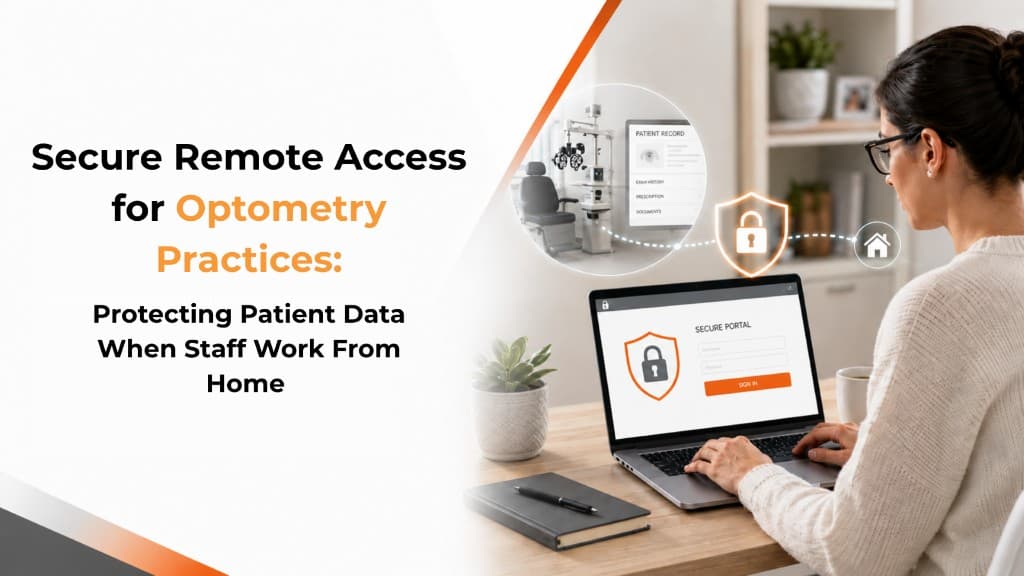
At 4:45 p.m., the optician is still working through insurance corrections when the front office closes. Instead of staying another hour, she takes the laptop home and logs into the practice-management system from her kitchen table.
The work gets finished — but if that laptop is shared with family members, connected to an unsecured network, or missing current security protections, patient information has now left the controlled environment of the practice.
A seemingly harmless 60-minute shortcut can create a security problem that takes far longer to fix.
Remote work is not inherently unsafe. The problem is uncontrolled remote access.
For an optometry practice, the right question is not whether staff can work from home, but whether remote access to protected health information (PHI) is designed, monitored, and limited appropriately.
1. Five Things That Commonly Break With Remote Access
1. Personal Devices Become Practice Devices
A staff member may use a personal laptop because it is convenient. But that device may not have the same antivirus protection, automatic updates, encryption, or access controls as a practice-managed computer.
If PHI is downloaded to that device, the practice has effectively expanded its technology environment without necessarily expanding its security controls.
That is the same visibility problem created by shadow IT: once a device exists outside the practice's managed inventory, it is much harder to protect.
2. Home Wi-Fi Becomes Part of the Security Equation
Home internet is generally reliable, but security depends on the router, password, firmware, and network configuration. An employee working from a coffee shop or other public location introduces additional uncertainty.
A secure remote-access setup should reduce how much sensitive information is exposed on the local device and network rather than assuming every home environment is equally trustworthy.
Network security at the practice still matters — but it cannot compensate for an unsecured connection on the other end of the session.
3. Shared Computers Create Shared Access
A laptop used for practice work might also be used by a spouse, teenager, or other household member. Even without malicious intent, saved passwords, browser history, downloaded files, or automatic logins can create unnecessary exposure.
Separate user accounts and practice-managed devices are simple controls that can eliminate much of this risk.
4. Remote Access Can Become Permanent
Temporary access has a way of becoming routine. A staff member may initially receive remote access to finish a backlog and eventually use it every Friday afternoon.
Without regular reviews, former employees, former contractors, or employees who changed roles can retain permissions longer than necessary.
5. "VPN" Doesn't Solve Everything
VPN (Virtual Private Network): A technology that creates an encrypted connection between a device and a private network, helping protect data while it travels across the internet.
A VPN can be an important safeguard, but it does not automatically secure the computer connecting through it. A compromised laptop, weak password, excessive permissions, or unpatched operating system can still create problems.
2. Why Remote Security Is Structurally Difficult
The challenge comes from competing incentives. Your staff want flexibility and productivity; your practice needs controlled access to patient information; and technology vendors often control pieces of the environment without controlling the whole thing.
An EHR vendor may secure its application. Your IT provider may secure the network. A practice-management vendor may manage another system. None of those responsibilities necessarily covers the employee's home laptop.
That is why remote-work security needs to be treated as an end-to-end process, not a single product purchase.
A HIPAA Security Risk Assessment is one way to make those gaps visible — including remote access, personal devices, and vendor connections that sit outside the office walls.
3. The "Controlled Remote Access" Framework
A practical approach has four components.
Managed Devices
Whenever possible, remote work involving PHI should happen on practice-managed computers with current operating systems, encryption, endpoint protection, automatic updates, and screen-lock policies.
Controlled Access
Staff should receive only the systems and information required for their jobs. Multi-factor authentication (MFA), which requires an additional verification step beyond a password, should be enabled wherever supported.
Secure Connection
Remote sessions should use approved secure connections rather than exposing practice systems directly to the public internet. PHI should not be casually downloaded to personal devices.
Ongoing Oversight
Remote access should be reviewed periodically, particularly after an employee changes roles or leaves the practice. Logs can also help identify unusual access patterns.
The goal is straightforward: make legitimate remote work easy while making unnecessary access difficult.
4. What Remote Access Can Cost — and Save
Suppose an insurance coordinator spends two hours each week finishing claims from home. At a loaded labor cost of $30 per hour, that represents roughly $3,120 in annual labor time.
Eliminating remote work entirely may not make financial sense if that work can be completed securely and keeps billing, scheduling, insurance, or administrative tasks moving.
The better question is whether the practice has put the right safeguards around that access.
Managed devices, multifactor authentication, endpoint protection, secure remote-access methods, and ongoing IT oversight all have a cost. But that investment should be weighed against the operational value of allowing employees to work efficiently — and the potentially much greater disruption involved in investigating and recovering from an avoidable security incident.
The goal is not to make remote work expensive or complicated. It is to make sure convenience does not create unnecessary exposure to patient information.
5. Key Questions to Ask
Before allowing staff to access patient information remotely, ask:
Are remote workers using practice-managed devices?
Is MFA enabled for EHR, email, and other sensitive systems?
Can staff download PHI onto personal computers?
Is remote access logged and periodically reviewed?
Are former employees automatically removed from remote access?
Does the practice know which vendors provide remote access to its systems?
Are home-working policies documented and understood by staff?
If several answers are unclear, remote access is probably being managed informally rather than deliberately.
6. Making the Transition
A practice does not need to redesign everything overnight.
Identify
List every system employees access remotely and who currently has access.
Separate
Determine which access is necessary for each role and remove unnecessary permissions.
Secure
Require MFA, managed devices, current security updates, and approved remote-access methods.
Document
Establish simple rules for home working, personal devices, downloads, and reporting lost equipment.
Review
Recheck access at least periodically and whenever staffing or job responsibilities change.
Frequently Asked Questions
Can staff ever use personal computers to work remotely? It is possible, but it creates additional security and management challenges. Practice-managed devices generally provide greater control over updates, encryption, security software, and access.
Is a VPN required for HIPAA compliance? HIPAA does not simply say that every remote worker must use a VPN. The appropriate safeguards depend on the practice's risk assessment and technology environment. A properly configured VPN can nevertheless be an important security control.
What if only scheduling or billing staff work from home? The risk still matters. Scheduling, billing, insurance, and administrative systems can contain significant amounts of PHI. Remote access should be evaluated based on the information and systems involved, not just the employee's job title.
How often should remote access be reviewed? At minimum, access should be reviewed when employees join, leave, or change roles. Practices should also establish a regular review schedule so unnecessary permissions do not accumulate.
Does working from home mean PHI cannot be printed? Not necessarily, but printing introduces another physical security concern. Printed patient information should be protected from household members and unauthorized individuals and securely destroyed when no longer needed.
A Safer Way to Keep Work Moving
Remote work can save staff time and keep administrative work moving after the office closes. The key is ensuring that convenience does not quietly expand who can access patient information, from where, and on what devices.
IT4Eyes helps optometry practices manage the technology behind secure remote access — from device and network security to MFA, access controls, vendor coordination, and ongoing IT management. The result is a remote-work environment designed around the realities of an eye-care practice rather than a one-size-fits-all security checklist.